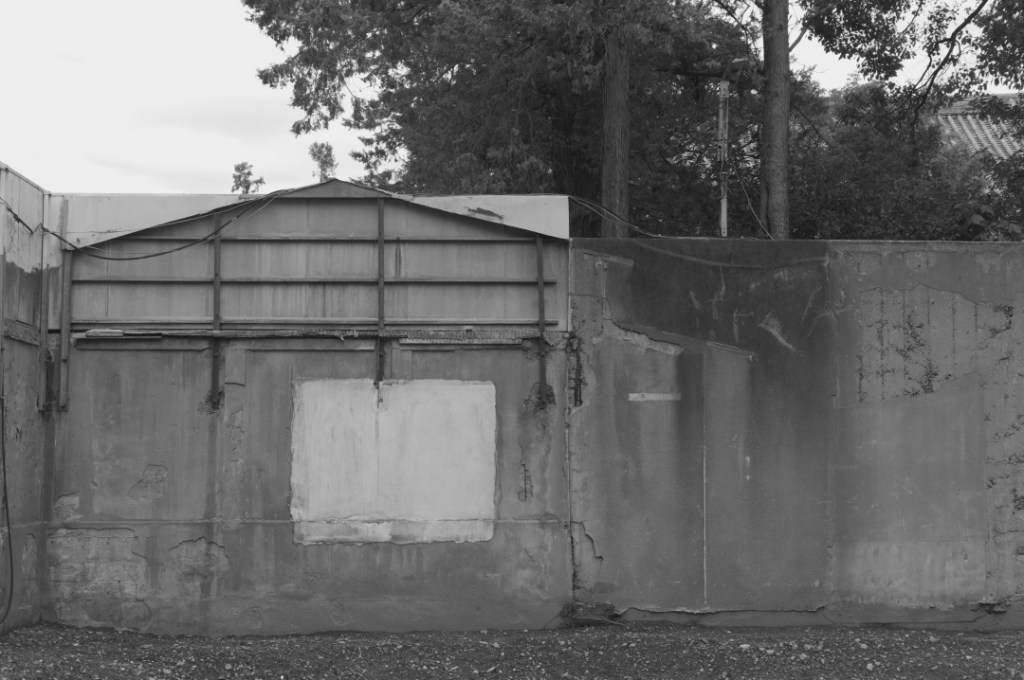
Ever since I began photographing with Leica M Monochrom in 2016, I have been processing RAW files with an open-source RAW processing application available online for anyone.
In the user’s manual back then, I remember they used to describe, “Don’t be surprised that your RAW images look flatter and murkier than you see them on camera screen.” You were supposed to adjust density and contrast from there.
However, from a certain recent version, it began to show RAW images “as close as you see on camera screen” from scratch, and the user’s manual has also been revised as so. I didn’t know the change, and I was very confused in September and October this year.
In September and October this year, I was also getting used to my new desktop setting, which made it more challenging for me to find out what was really wrong. I even thought my eyes went wrong, looking at unusually out-of-control images produced.
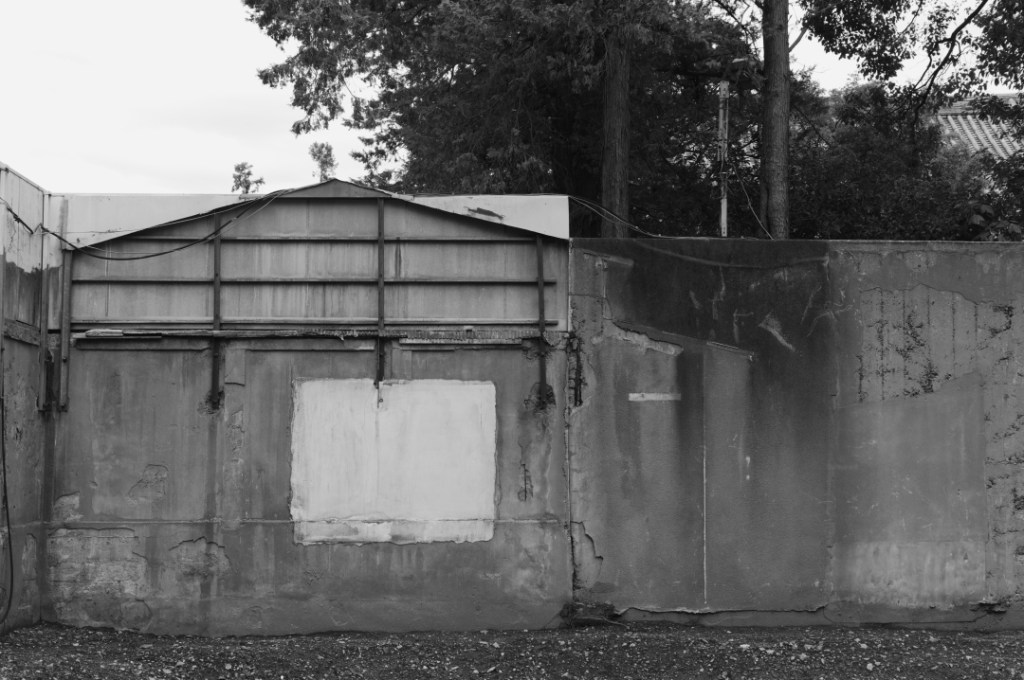
This kind of “minor” change is quite troublesome, and difficult to clarify. I now understand the most important thing is: to believe your eyes. At least, I kind of knew something was wrong. KT